Every day, millions of students, developers, job seekers, and office workers hit the same frustrating roadblock: a simple micro-task that takes 30 seconds of work but 20 minutes of friction.
You need to resize an ID photo to exact 3.5 × 4.5 cm dimensions for an exam portal. Or you need to turn a 15 MB PDF into a 2 MB email attachment. Or decode a JSON Web Token (JWT) without risking your API credentials on a random server.
Traditionally, your options were poor:
- Pay for expensive desktop software like Photoshop or Adobe Acrobat just for basic resizing and conversions.
- Use cluttered online tools that force server file uploads, sell your data, limit daily uses, or drown you in popups.
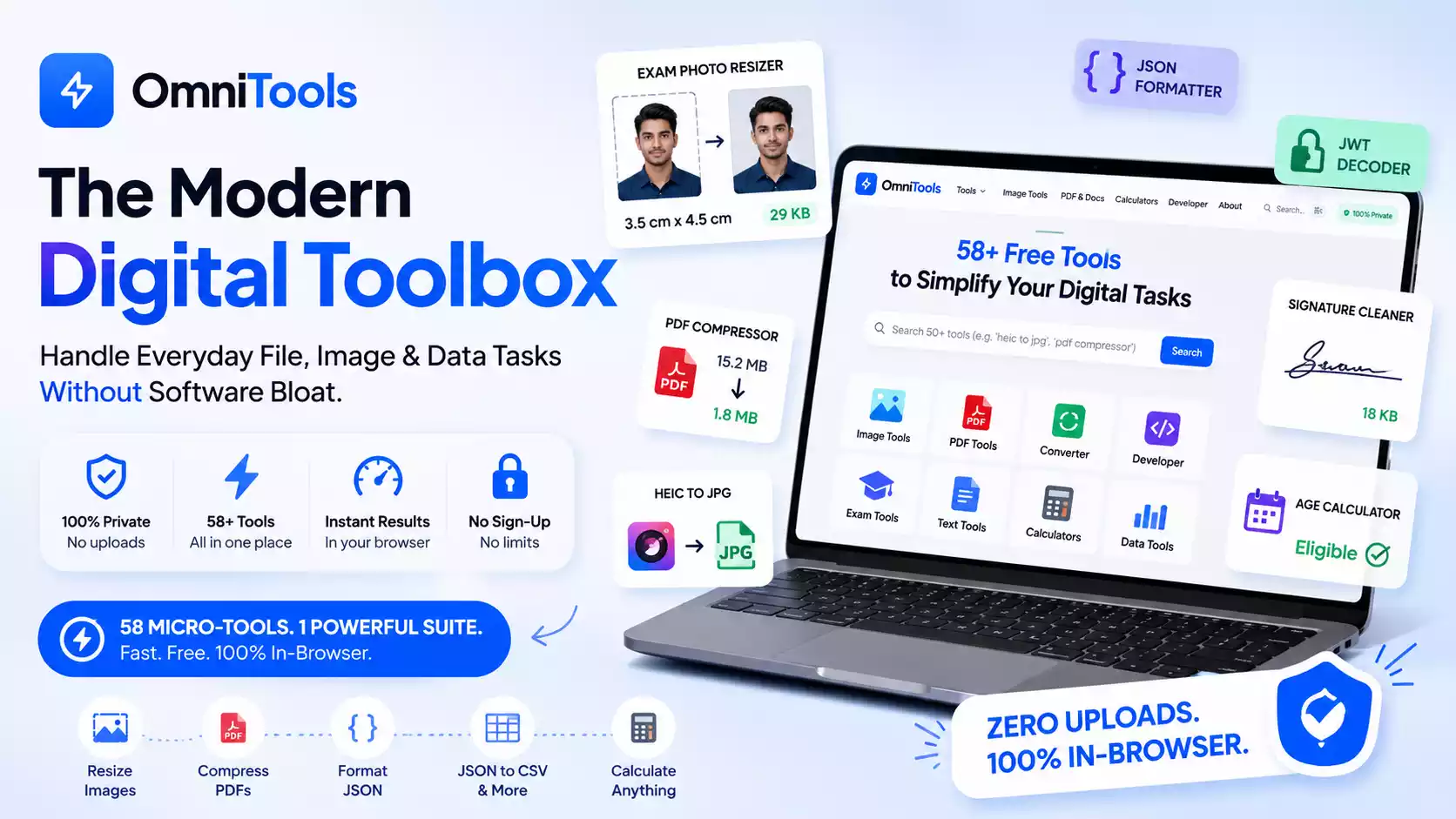
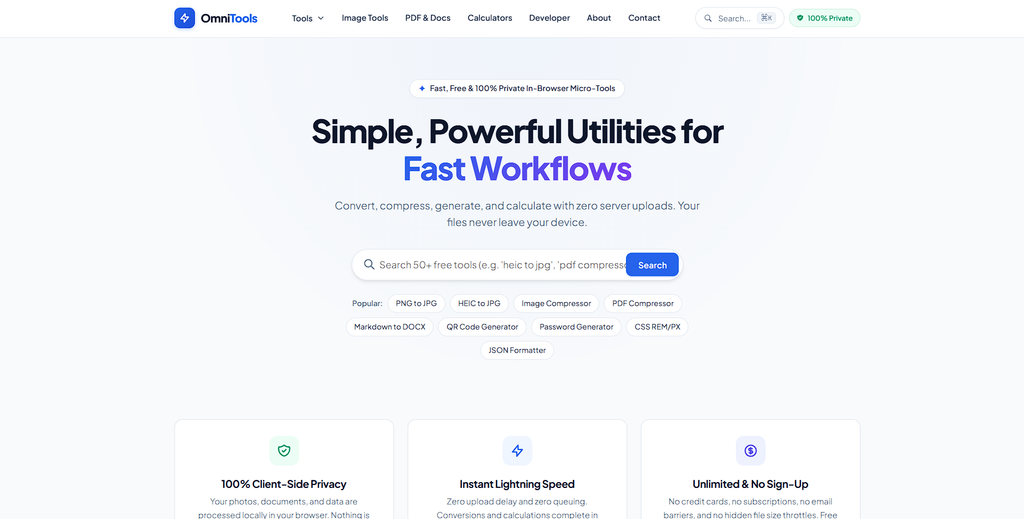
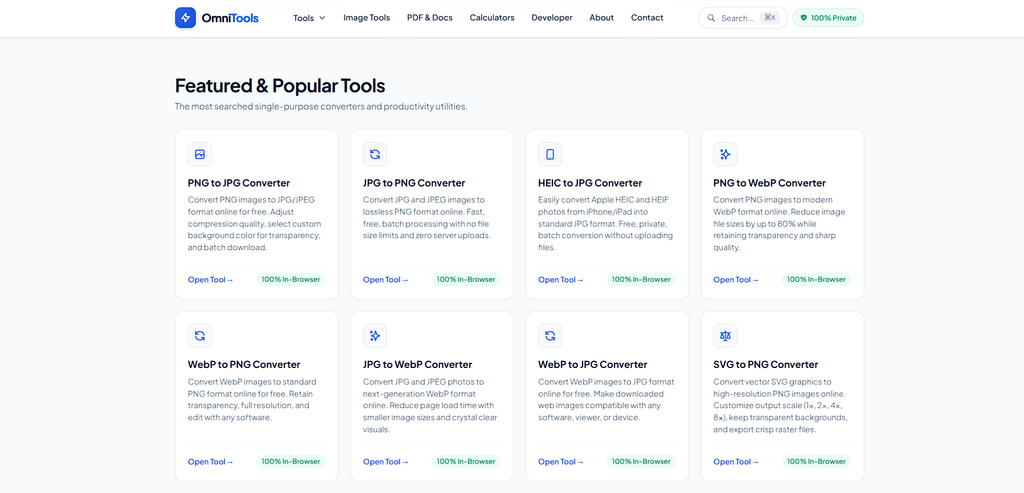
OmniTools, built by OnlinePixelz, was designed to solve this problem. It is a free, fast suite of 58 micro-tools that run 100% inside your web browser.
Here is a practical, step-by-step guide to getting the most value out of these tools across five common real-world workflows.
Playbook 1: Competitive Exam & Government Job Applications
Government exam portals (UPSC, SSC, Banking/IBPS, Railways/RRB, State PSCs, NEET, and JEE) are infamous for rejecting applications due to non-compliant photo, signature, or certificate uploads.
Here is how to clear every technical requirement in under two minutes:
1. Match Exact Portal Dimensions (cm, mm, in, px)
- The Problem: Portals like UPSC and SSC demand exact
3.5 cm × 4.5 cmdimensions with file sizes between 20 KB and 50 KB. - The Solution: Open the Exam & Passport Photo Resizer. Pick the
UPSC/SSCpreset or toggle the unit button tocm. Set3.5width and4.5height. The tool crops, centers your face, and compresses the output strictly within the required KB range.
2. Fix the 200/300 DPI Portal Error Without Quality Loss
- The Problem: Many application servers check image metadata and reject files below 200 or 300 DPI. Re-exporting in image editors often blurs the picture.
- The Solution: Use the Image DPI Converter. It directly patches the binary JFIF
APP0header inside your browser memory in milliseconds—giving the portal the exact 200 or 300 DPI tag it demands while preserving 100% original image sharpness.
3. Add Candidate Name and Date of Photo (DOP)
- The Problem: SSC, Railway, and State PSC notifications require a white strip at the bottom of the photo displaying the candidate’s name and the date the photo was taken.
- The Solution: Load your photo into the Exam Photo Name & Date Stamper. Enter your full name and select the capture date. The tool renders a crisp white banner with bold black lettering meeting official guidelines.
4. Whiten Signatures & Compress to 10–20 KB
- The Problem: Signatures photographed on paper often have shadow artifacts, gray paper grain, and exceed the strict 20 KB limit.
- The Solution: Drop your signature image into the Exam Signature Resizer. It whitens the background paper to
#FFFFFF, darkens the ink, and automatically outputs a standard140 × 60 pximage between 10 KB and 20 KB.
5. Calculate Exact Cut-Off Age with Category Relaxations
- The Problem: Job notifications declare age eligibility on a specific cut-off date (e.g. “Must be between 21 and 32 years as of August 1st”).
- The Solution: Enter your Date of Birth and the Notification Date into the Govt Exam Age Calculator. Select your reservation category (General, OBC +3 yrs, SC/ST +5 yrs, PwBD +10 yrs) to get an instant eligibility verdict and remaining attempts analysis.
Playbook 2: Developer & Data Engineering Workflows
Engineers waste hours writing throwaway scripts for common formatting and translation tasks. OmniTools gives developers a distraction-free workbench that respects data confidentiality.
- Safe JWT Inspection: Paste authentication tokens into the JWT Decoder to inspect headers, expiration timestamps (
exp), and user scopes. Because the tool runs client-side in vanilla JavaScript, secret auth tokens never transit over an external network. - Bi-directional Data Conversion: Need to turn a nested JSON API response into a spreadsheet? The JSON to CSV and CSV to JSON tools handle flat and nested structures with 1-click downloads.
- JSON Syntax Cleaner: The JSON Formatter & Validator automatically flags unclosed brackets, missing quotes, and syntax errors, formatting raw blobs with clean indentation.
- Bulk UUID & Hash Generation: Generate up to 100 RFC4122 v4 UUIDs for mock database seeds, or compute MD5, SHA-256, and SHA-512 hashes instantly via the Hash Generator.
Playbook 3: Designers, Marketers & Content Creators
Asset prep shouldn’t involve opening a heavy image editor for simple batch tasks.
- Convert iPhone Photos (
.heic): Transferring photos from an iPhone often yields incompatible.heicfiles. The HEIC Converter converts them directly into universal JPG or PNG files without uploading gigabytes to a remote server. - Web-Ready Favicon Packages: Drop a logo into the Favicon Generator to immediately generate standard 16×16, 32×32, 180×180 PNGs and multi-layer
.icofiles for production websites. - Inline Image to Base64: Embed small icons directly into CSS or HTML emails using the Base64 Image Encoder.
- Vector to Raster Conversion: Turn SVG vectors into clean PNG, JPG, or WebP graphics at any target dimension.
Playbook 4: Remote Work, Documents & Academic Prep
- Shrink PDFs for Email Attachments: Large scanned documents often exceed 25 MB email limits. The PDF Compressor strips bloat and optimizes embedded imagery without distorting typography.
- Distraction-Free Markdown Writing: The Markdown Editor features a dual-pane live preview with real-time GitHub-flavored Markdown rendering, live character/word counters, and instant HTML export.
- Marksheet to Grade Percentage Conversion: Standardize academic transcripts across international and national formats with the CGPA to Percentage Calculator—supporting CBSE 9.5x multipliers, AICTE 10-point scales, VTU formulas, and US 4.0 GPAs.
Quick Reference Cheat Sheet
Bookmark this table to jump directly to the tool you need:
| Task / Problem | Direct Solution | Speed |
|---|---|---|
| Resize photo to exact cm / mm / in | Exam Photo Resizer | < 1 sec |
| Change image to 200 / 300 DPI | Image DPI Converter | Instant |
| Stamp Name & Date on photo | Photo Name/Date Stamper | < 1 sec |
| Whiten signature & fix under 20 KB | Exam Signature Cleaner | < 1 sec |
| Compress image to exact KB | Target KB Compressor | < 2 sec |
| Convert iPhone HEIC to JPG | HEIC to JPG Converter | < 1 sec |
| Compress bloated PDF document | PDF Compressor | < 2 sec |
| Format & validate broken JSON | JSON Formatter | Instant |
| Convert JSON to CSV spreadsheet | JSON to CSV | Instant |
| Inspect JWT token claims safely | JWT Decoder | Instant |
| Convert CGPA to percentage | CGPA Calculator | Instant |
| Calculate cutoff age with relaxations | Exam Age Calculator | Instant |
Why In-Browser Architecture Matters
When you use OmniTools:
- Zero Files are Uploaded: Everything runs locally via your device’s memory using standard Web APIs.
- No Account Required: No logins, email signups, or subscription prompts.
- No Daily Usage Caps: Convert 1 file or 1,000 files with consistent speed.
Start exploring the complete suite of 58 tools today at https://omnitools.onlinepixelz.xyz.